

Connect Your AI Assistant to UXPin Wire with MCP
Would you rather ask your AI assistant for an app than open another tool? Connect Claude, ChatGPT or other agents to UXPin Wire, and the result lands as a real project you can edit and publish.
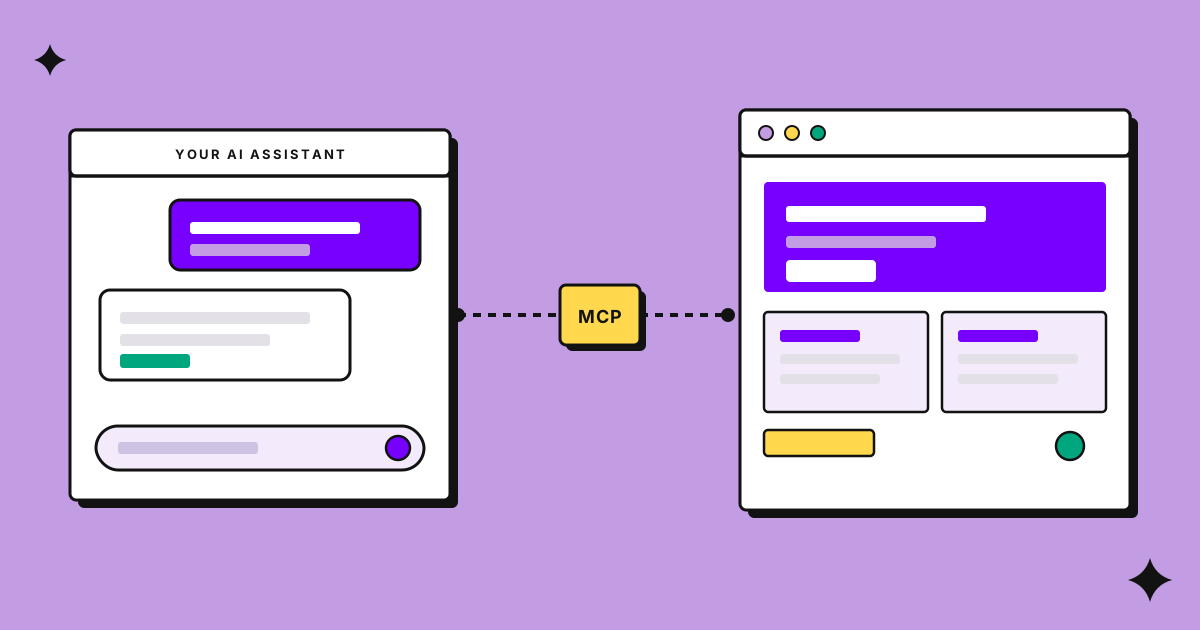
You already talk to an AI assistant all day. You ask it for an email, a SQL query, a summary of a long document. So why not ask it for an app?
UXPin Wire is an AI builder that runs in your browser. You describe what you want, and it builds a working app, a landing page, a design system, or a short product film. Connect your AI assistant, and you can start from the chat you already have open.
UXPin Wire MCP lets you create and edit working React apps, landing pages, and design systems directly from AI assistants like Claude, Cursor, ChatGPT, and Codex. Claude offers an official connector, while other compatible assistants can connect through a custom MCP setup.
Build from your AI assistant
Connect Claude, ChatGPT, Cursor, or another compatible AI assistant to UXPin Wire.
Try UXPin Wire
Build from the chat you already use
No need to switch tools or start from scratch. Ask your connected AI assistant to create a project in UXPin Wire, and it appears in your browser, ready to explore and edit. Keep working from your chat or open the project in Wire to make changes.
It’s a real project, not a chat snippet
This is the part that matters. What your assistant builds is a normal UXPin Wire project. Open it, click through it, change it with the chat or in code, share a link, or publish it. There’s nothing to copy and paste.
See it in action: Waypoint

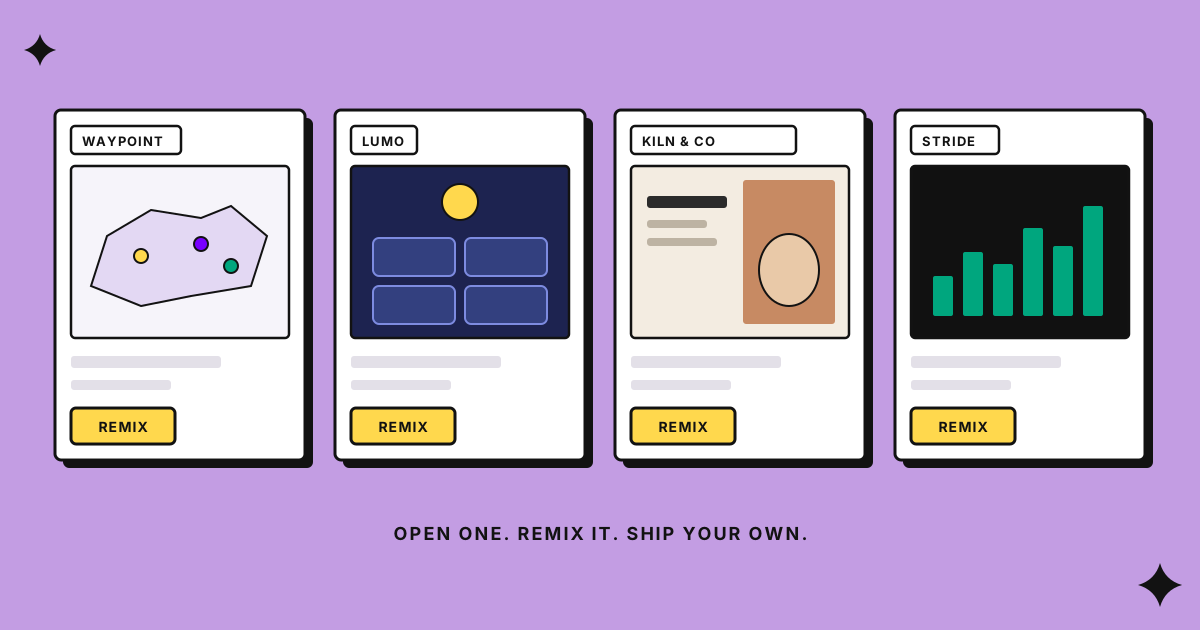
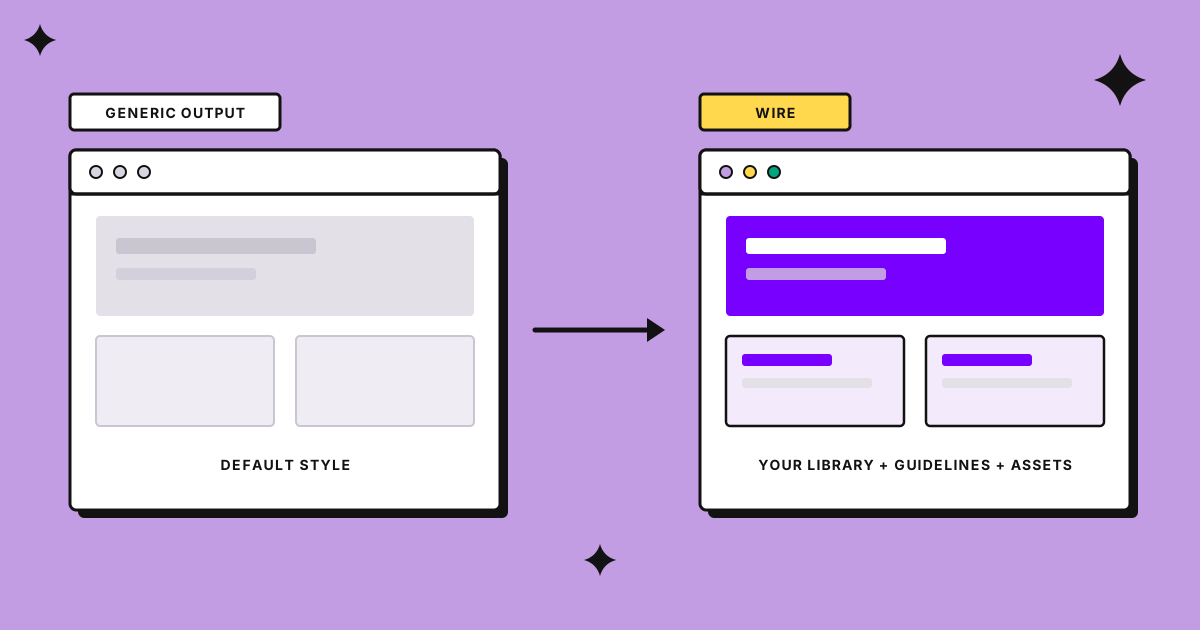
Waypoint, a freight control tower in the showcase, was built this way. Claude created the project on Ant Design, drew the map of Europe in SVG, built the shipments table and the reports, and set up the design guidelines so the app doesn’t look like stock Ant Design. All of it started from a chat. Remix it to see how it’s put together.
Connect UXPin Wire to Claude, Cursor, and More
UXPin Wire works with AI assistants and coding tools through MCP. Claude has an official connector, while Cursor, Claude Code, Codex, VS Code, and ChatGPT can be connected manually. Follow the MCP connections docs to set up your assistant and start building apps from your chat or code editor.
Set it up
Open Connections in UXPin Wire and follow the steps in the MCP connections docs, which list the supported assistants and what each one can do. Then ask for something small, for example, “A habit tracker with weekly charts.”
UXPin Wire is available on eligible UXPin plans. If you don’t see the Wire tab in your account, See plans shows your options.

by UXPin on
UXPin is a web-based design collaboration tool. We’re pleased to share our knowledge here.