
What is Wire
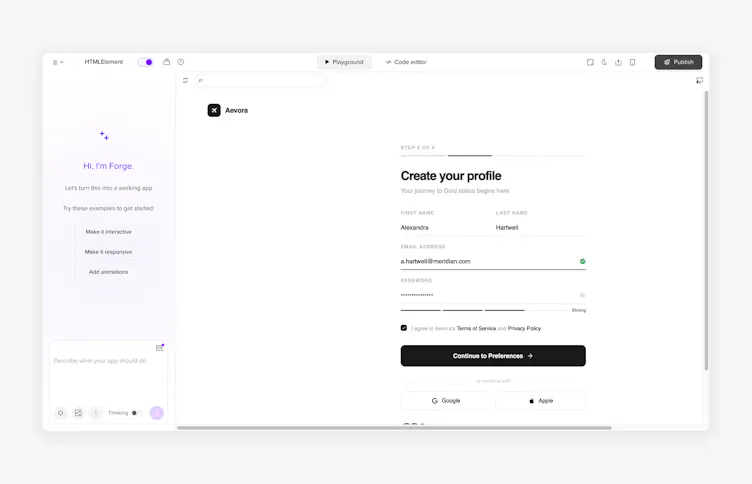
UXPin Wire lets you create fully interactive, code-backed product flows. Starting from scratch, a component or a set of screens, you can add logic, navigation, form behavior, and responsive layouts – then share the result as a hosted link others can open in the browser.
Wire is powered by Forge, UXPin's AI system, and gives you direct access to the generated code through a built-in Code Editor. Everything stays connected: changes made through Forge or in the code are reflected instantly in the live preview.
How it works
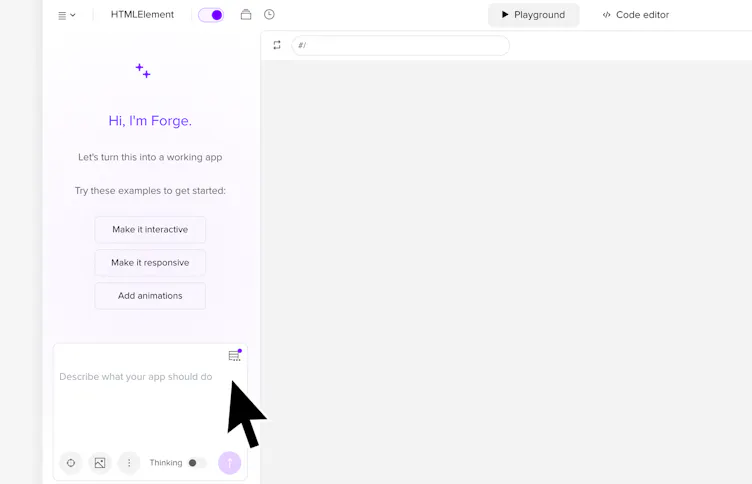
Wire generates a working React app from your components or a text description. You interact with the result in the Playground — a live preview where you can click through flows, test forms, and check logic in real time. To make changes, you use Forge, UXPin’s AI, which understands the current state of your app and updates it based on your prompts. Every change is reflected immediately in the Playground.
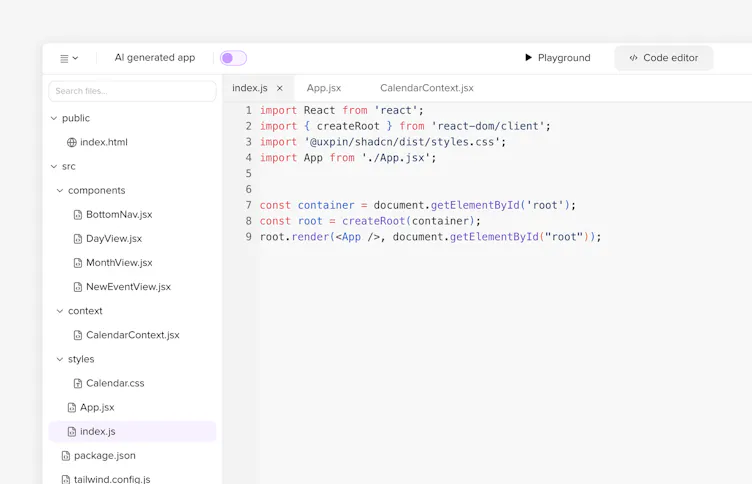
Under the hood, Wire generates real React code. You can inspect and edit it directly in the Code Editor, or export the full project as a Vite + React app for developer handoff.
Each app is saved as a build. If you create another Wire app from the same starting point, it's saved as a new Variant of that build, so you can explore different directions without losing previous work. All your builds are accessible from the Wire Dashboard, where you can also organize them into Collections.
What you can do with Wire
Build flows that actually work
Connect multiple screens into a single working flow with real navigation, form validation, and state management. This is useful for onboarding flows, checkout processes, registration forms, dashboards, and any multi-step experience where a static prototype won't cut it.
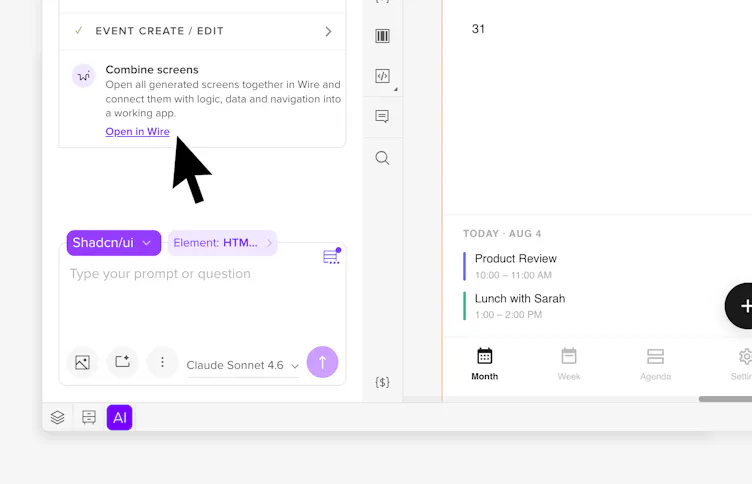
Share a working app with stakeholders
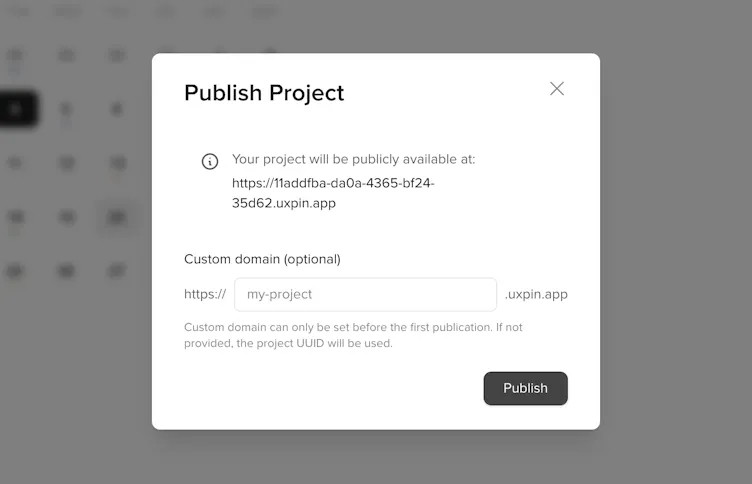
Publish your Wire app as a hosted link. Anyone can open it in the browser — no UXPin account needed. This makes it much easier to collect feedback, run user testing sessions, or present to stakeholders without explaining how to navigate a prototype.
Hand off real code to developers
Every Wire app comes with an exportable React codebase. Instead of redlines and spec notes, developers get a working Vite + React project they can run locally and build on. This shortens the gap between design and implementation.
Prove out a concept fast
Wire is a quick way to build a working demo of a new feature or product idea — without involving a developer from the start. Describe what you want to Forge and iterate until the flow feels right, then share it for feedback or hand it off when it's ready.
Create product films
Describe a short animated film of your product and Wire draws it in your design system's style, with an optional voiceover, music and sound effects. You edit the words and timing yourself, then export an MP4 for the web or social. Learn more in Start a build in Wire.
Bring your own assets and animations
Keep your pictures, videos, fonts, music and Rive, Lottie or dotLottie animations in Assets. The AI uses your pinned brand assets instead of inventing its own, and can generate images and video for you. Learn more in Assets in Wire.
Examples built with Wire
Wire can do more than clickable prototypes. Because it generates real React code and runs it in a live environment, you can create fully working apps with real logic, state management, and navigation. From product dashboards to more experimental experiences. If you can describe it, Forge can help you build it.
In UXPin Wire Showcase you can find examples and remix them to your account.
Note
These are experimental examples made with Wire, not official UXPin products.