AI personalization is reshaping SaaS UI design by tailoring user experiences based on behavior, preferences, and context. Here’s why it matters and how it’s being used:
- Why It’s Important: Personalization improves user satisfaction, reduces churn, and drives revenue – boosting SaaS income by 10–15%.
- How It Works: AI analyzes user data (clicks, session lengths, roles) to predict needs and customize interfaces in real time.
- Key Examples: Netflix uses AI to recommend content and display tailored thumbnails, driving 80% of viewing hours. Aampe and Mojo CX use role-based dashboards to improve task efficiency by up to 50%.
- Challenges: Privacy concerns, scalability issues, and onboarding hurdles require careful handling of data, responsive systems, and smart segmentation strategies.
- Tools: Platforms like UXPin allow teams to prototype and test personalized UIs quickly, bridging the gap between design and development.
AI personalization not only enhances user experiences but also delivers measurable business outcomes. The future of SaaS lies in creating interfaces that work smarter by anticipating user needs.
Case Studies: SaaS Companies Using AI Personalization
Case Study: Netflix‘s Personalized Streaming UI

Netflix has mastered the art of tailoring its user interface (UI) with AI. By leveraging techniques like collaborative filtering, content-based filtering, and contextual bandit algorithms, Netflix customizes how titles are ranked, thumbnails are displayed, and recommendation rows are ordered – all based on a user’s watch history, device, and viewing context[1]. A standout example? The same movie might display different thumbnails depending on what appeals most to each user. This level of personalization directly impacts how viewers engage with the platform.
The results speak for themselves. Over 80% of the hours streamed on Netflix come from personalized recommendations rather than manual searches or browsing. To keep improving, the company conducts thousands of A/B tests every year, tweaking elements like layout, artwork, and row organization. These tests measure how small changes affect key metrics like viewing time and user retention. According to internal estimates, this personalization strategy saves Netflix hundreds of millions of dollars annually by reducing subscriber churn. It’s a shining example of how AI-driven personalization can transform UI design in the SaaS world.
SaaS companies can take a page from Netflix’s playbook by implementing dynamic dashboards. Features like “Most used by your team” or “Continue where you left off” panels can create a more engaging and user-centric experience[1].
Challenges and Solutions in AI UI Personalization
Data Privacy and Security Issues
When personalization feels intrusive or unclear, users quickly lose trust. SaaS companies risk crossing the line when they collect excessive personal data, combine behavioral insights with identifiable information that could enable re-identification, or store training data in regions that violate local data residency laws. Tackling these challenges starts with privacy-by-design principles: collect only the data necessary for specific use cases, enforce role-based access controls for both analytics and model outputs, and ensure data encryption during transit and storage. Platforms like DreamFactory can help by providing governed API access to data sources with role-based access and identity passthrough, ensuring secure data handling in personalization systems.
Adding just-in-time prompts that explain how data is used – like “We use your activity to prioritize your tools” – can make personalization feel transparent. Including clear toggles to opt out of personalization for sensitive areas gives users a sense of control[1]. Regularly auditing training data and models for bias, drift, and security gaps ensures compliance with regulations like GDPR and CCPA.
But privacy is just one piece of the puzzle. A responsive interface also depends on solving scalability issues.
Scalability and Algorithm Speed
Scaling a small personalization experiment into a full production system often reveals hidden bottlenecks. Common issues include high latency caused by complex model inferences during requests, database overload from processing large volumes of behavioral data, and the high cost of recomputing user segments or recommendations. These problems can manifest as slow-loading dashboards, inconsistent UI experiences across devices, or personalization that feels random and unhelpful.
A layered architecture can help maintain responsiveness. Many teams use batch processing for resource-heavy features, low-latency feature stores, and lightweight online models for real-time personalization at the point of interaction. Adding caching, asynchronous processing, and fallback layouts ensures response times stay under 200 milliseconds, even during peak traffic.
These solutions lay the groundwork for smoother onboarding and better user segmentation.
Onboarding and User Segmentation Strategies
The “cold start” problem – where there’s little to no data on new users – remains a major hurdle in delivering personalized experiences right away. Effective onboarding captures key details such as user role, team size, industry, and objectives, tailoring the initial UI to their needs. This could mean preconfigured dashboards, customized checklists, or “choose your path” workflows that not only guide users but also serve as valuable segmentation inputs[1].
Hybrid personalization enhances the user experience. Start with explicit segmentation (e.g., Admin vs. Individual Contributor, Free vs. Enterprise) and refine it with behavioral models that adapt based on usage patterns – like reordering features based on recent activity[1]. Progressive profiling, which gathers more user details gradually as they engage, avoids overwhelming new users with lengthy forms that could hurt activation rates. Clustering algorithms can also uncover “usage archetypes” that go beyond traditional segments, enabling more nuanced personalization without adding complexity for engineering teams[1].
The First Real Look at AI-as-UI in Marketing (And It’s Wild)
sbb-itb-f6354c6
Using Prototyping Tools for AI Personalization
Once you’ve tackled the challenges of data and scalability, the next step is to dive into prototyping AI personalization quickly and effectively.
Prototyping Real-Time Personalization with UXPin
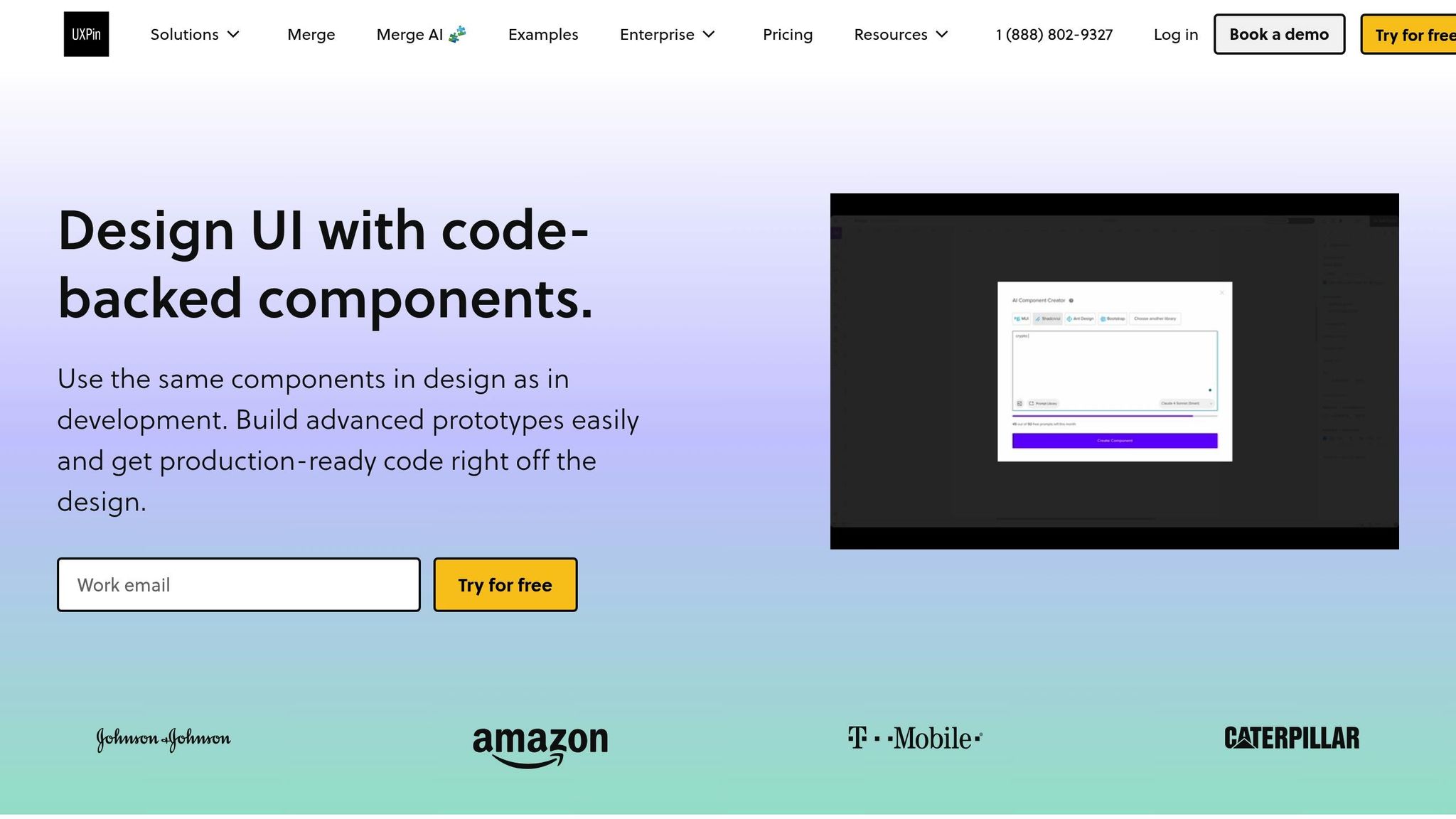
Testing AI-driven personalization before committing to production code requires prototypes that can mimic dynamic behavior. UXPin makes this possible by enabling designers to work with production-ready React components – the same ones developers will use later on. This allows teams to prototype features like role-based dashboards, adaptive navigation, and personalized recommendations using real conditional logic, variables, and state management. No need for countless static mockups anymore.
UXPin’s AI Component Creator adds another layer of efficiency. Leveraging OpenAI or Claude models, it generates code-backed layouts from simple text prompts. For example, designers can create custom tables or forms in minutes and then wire these components to simulate different user states. A single userRole variable can transform an onboarding checklist into a power user menu, mirroring adaptive experiences like Netflix’s content rows or Aampe’s behavior-driven dashboard metrics – all without relying on backend systems.
"When I used UXPin Merge, our engineering time was reduced by around 50%", shared Larry Sawyer, Lead UX Designer.
UXPin also supports built-in React libraries like MUI, Tailwind UI, and Ant Design, enabling teams to design polished, consistent UI elements right from the start. This ensures that personalized features look and function seamlessly across user segments while allowing rapid iterations on AI-driven variations.
This streamlined prototyping approach eliminates guesswork, paving the way for smooth, error-free handoffs to development.
Connecting Design and Development Workflows
One of the biggest challenges in building AI-powered personalization is the disconnect between design prototypes and production code. When personalization logic is added during development, it often leads to costly rework of untested layouts. UXPin bridges this gap by allowing teams to export production-ready React code and design specs directly from prototypes. Developers receive exactly what designers created – components, props, and interactions – reducing errors and speeding up the integration of predictive analytics and behavior-based features.
"We have fully integrated our custom-built React Design System and can design with our coded components. It has increased our productivity, quality, and consistency, streamlining our testing of layouts and the developer handoff process", said Brian Demchak, Sr. UX Designer at AAA Digital & Creative Services.
This code-as-single-source-of-truth approach ensures that personalization rules, such as showing specific dashboard widgets based on subscription tier or recent activity, transfer seamlessly from prototype to production. Instead of wasting time redesigning static mockups or fixing AI behavior issues during development, teams can validate personalized experiences in real-time, gather feedback on actual behavior, and deliver faster with fewer surprises during handoffs.
Results and Metrics from AI Personalization

AI Personalization Impact: Key Metrics and Results from Netflix, Airbnb, and SaaS Platforms
Performance Metrics from Case Studies
AI-powered personalization has delivered impressive results across various platforms. For instance, Netflix’s recommendation system accounts for 80% of user viewing, while its personalized thumbnails enhance engagement by 10–30%. Similarly, Airbnb’s tailored search results and recommendations boosted conversion rates by over 15% in just six months, reduced bounce rates, and encouraged repeat bookings.
Platforms like Aampe and Mojo CX have used AI-driven role-based dashboards to cut task completion times by 20–50% by highlighting essential data and actions. Additionally, adapting user experiences to individual behaviors and preferences has been shown to increase retention and loyalty metrics by 5–15%. For companies managing diverse data sources and multiple user roles, Sendspark‘s AI personalization capabilities demonstrate how targeted, role-based communication can further amplify engagement across different user segments.
These numbers highlight the tangible benefits of AI personalization and serve as benchmarks for companies aiming to implement similar strategies.
Lessons and Best Practices
The results above reveal several practical strategies for SaaS teams looking to maximize the potential of AI personalization. By addressing challenges like data privacy, scalability, and segmentation, teams can adopt a methodical approach that emphasizes starting small, measuring impact, and iterating based on insights.
Start Small and Measure Impact
Begin with one or two high-impact areas, such as a recommendation row or a role-specific dashboard panel. Track key metrics like engagement, conversion, and retention, comparing them against a control group. Both Netflix and Airbnb initially focused on small-scale experiments – like personalized thumbnails or targeted search results – before expanding these features across their platforms.
Combine Data with User Feedback
To understand not just the outcomes but also the reasons behind them, use a mix of quantitative and qualitative feedback. Analytics like click-through rates and session lengths can reveal patterns, but pairing these with in-app surveys or interviews provides deeper insights. Users frequently report benefits like reduced decision fatigue, smoother onboarding, and interfaces that feel tailored to their needs.
Define Clear Metrics and Iterate
Set specific goals to measure the impact of personalization – such as trial-to-paid conversion rates, feature adoption, or time spent on tasks. Establish a baseline before implementing AI-driven changes, and use cohort analysis to separate short-term novelty effects from lasting impact. By segmenting results by user role or lifecycle stage, you can identify where personalization works best and adjust your strategy accordingly. Continuous iteration based on fresh data helps maintain relevance and avoid performance stagnation.
Conclusion: What’s Next for AI Personalization in SaaS UI Design
Examples from Netflix, Aampe, and Mojo CX highlight how AI personalization is reshaping user interactions in SaaS. The move from static interfaces to predictive, behavior-driven systems is already showing results. For instance, role-based dashboards have significantly reduced task completion times and improved conversion rates in the cases analyzed.
Looking ahead, the next 3–5 years will likely bring interfaces that adjust dynamically to user roles and expertise in real time. AI-powered design tools will recommend optimal layouts and components, while advanced simulation and UX testing will help identify and address friction points. This shift will move personalization beyond isolated features, creating intent-aware systems that adapt entire workflows seamlessly.
To make these adaptive interfaces a reality, rapid prototyping will remain essential. Tools like UXPin are set to play a pivotal role in this transformation. With features like interactive, logic-driven prototypes and code-backed components, design teams can test and refine personalized user flows. UXPin also supports defining variant states – such as “basic”, “advanced”, or “AI-suggested” – which developers can integrate into AI systems with minimal effort. Its AI Component Creator, for example, enables teams to generate UI layouts from text prompts using models like OpenAI or Claude, speeding up the design process and closing the gap between design and development.
However, challenges persist. Issues like data privacy, algorithmic bias, and performance limitations still need to be addressed. Teams that prioritize transparency, user consent, and continuous monitoring will build trust with their users. SaaS leaders must also form cross-functional AI teams and embrace a culture of rigorous A/B testing.
The future of SaaS UI design points toward co-pilot experiences, where AI doesn’t just adapt interfaces but actively collaborates with users to complete tasks. This approach transforms the interface into a shared workspace that bridges human and machine intelligence. Teams that start small, measure their progress, and refine their designs based on real user feedback will lead the way in this exciting transformation.
FAQs
How does AI-driven personalization improve the user experience in SaaS platforms?
AI-powered personalization takes the user experience in SaaS platforms to the next level by tailoring content, interfaces, and workflows to fit each user’s individual preferences and behaviors. The result? A more intuitive and engaging experience that helps users accomplish their tasks faster and with less effort.
By intelligently adapting the user interface to predict what a user might need next, AI minimizes mental effort and simplifies interactions. This doesn’t just make the platform easier to navigate – it boosts satisfaction, enhances productivity, and ensures a smoother overall experience.
What challenges can arise when integrating AI-driven personalization into SaaS UI design?
Implementing AI-driven personalization in SaaS UI design comes with its fair share of hurdles. One major concern is data privacy and security. When dealing with sensitive user information, it’s crucial to have strong safeguards in place – not just to comply with regulations but also to earn and maintain user trust.
Another challenge lies in the complexity of integrating AI systems into existing platforms and workflows. Making sure these systems work smoothly without disrupting performance often demands significant time, effort, and resources. At the same time, delivering personalized experiences requires a careful balance between consistency and usability. Even when tailored to individual preferences, the interface must remain intuitive and unified for every user.
Finally, there’s the issue of bias in AI algorithms. Without proper oversight, personalization efforts could lead to unfair or inaccurate outcomes. To prevent this, regular testing and fine-tuning are necessary to ensure the AI provides fair and effective results across the board.
How can SaaS companies ensure user data privacy when using AI for personalization?
SaaS companies can safeguard user data privacy while leveraging AI-driven personalization by implementing robust data governance strategies. This means taking steps like anonymizing sensitive information, obtaining clear and explicit user consent, and ensuring compliance with privacy regulations such as GDPR and CCPA.
Transparency is another key aspect. Companies should openly explain how they collect, store, and use user data. Conducting regular audits and updating privacy policies not only helps stay compliant but also strengthens user trust in the process.

