

Generate UI with AI: From Text Prompts to Production-Ready Components (2026)
Learn how to generate UI with AI using UXPin Forge and Merge. Turn text prompts, images, and URLs into production-ready React components built from your actual design system — not generic pixels.
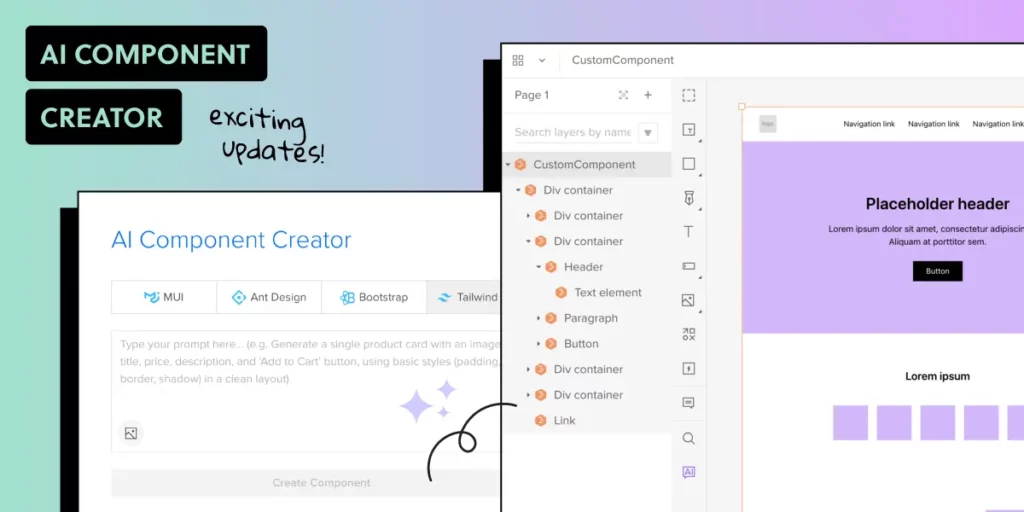
AI-powered UI generation has evolved rapidly. What started as experimental tools producing generic HTML and Tailwind snippets has matured into production-grade workflows where AI generates complete interfaces using your actual design system components.
UXPin has been at the forefront of this evolution. What began as the AI Component Creator — generating code-backed components from text prompts and images — has evolved into Forge, UXPin’s AI design assistant that generates, edits, and iterates on full UI layouts using real React components from your production codebase.
This article covers how AI UI generation works in 2026, what makes code-backed generation different from pixel-based approaches, and how to use these tools in your design workflow.
What Does It Mean to Generate UI with AI?
At its simplest, AI UI generation means describing what you want — via text, image, or URL — and having AI produce a functional interface layout. But the quality and usefulness of that output varies dramatically based on the tool.
Most AI design tools generate one of three output types:
- Static images: Screenshots or mockups that look right but have no underlying code or interactivity. These still need to be rebuilt by engineers.
- Generic code: HTML/CSS or Tailwind output that works technically but doesn’t match your design system. Developers spend hours adapting it.
- Production-ready components: UI built from your actual component library — the same React components your developers already use in production. No adaptation needed.
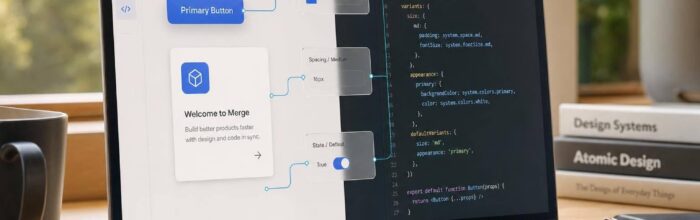
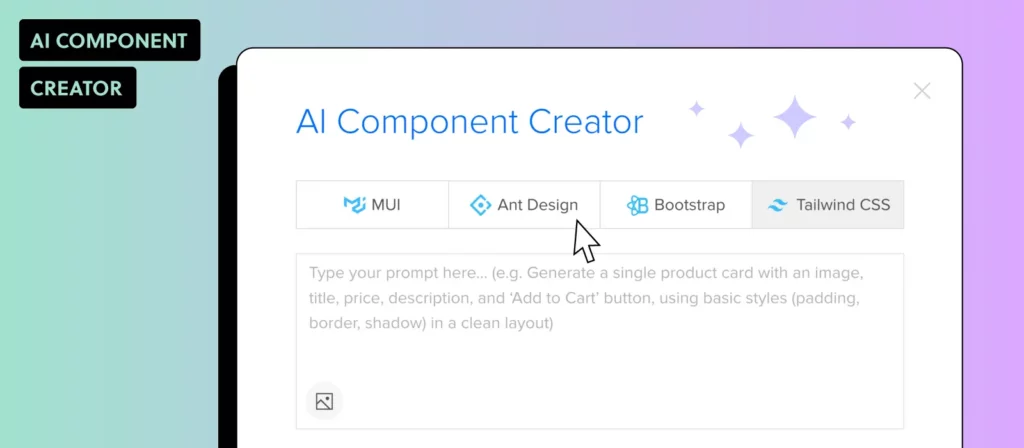
UXPin Forge operates in the third category. Every layout it generates uses components from your connected library — whether that’s MUI, shadcn/ui, Ant Design, Bootstrap, or your own custom React components synced via Git integration.
How UXPin Forge Generates UI from Your Design System
Forge is the AI design assistant built into UXPin. It’s the only AI tool where generation, professional design editing, and production code output all operate from the same source of truth — your actual component library.
Three Input Methods
Forge accepts multiple ways to describe what you need:
- Text prompts: Describe the interface in natural language. “Create a user settings page with a profile photo upload, name and email fields, notification preferences, and a save button.” Forge generates it using your connected components.
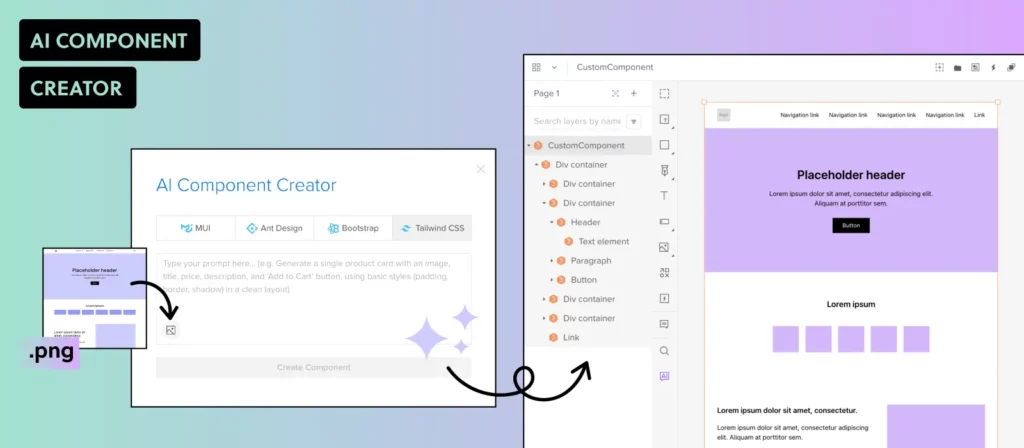
- Image upload: Upload a screenshot, whiteboard sketch, or mockup. Forge analyzes the visual layout and recreates it using your production components. This is especially powerful for converting competitor references or hand-drawn concepts into buildable UI.
- URL-to-UI: Paste a URL and Forge extracts the layout structure, then reconstructs it using your component library. The result matches your design system, not the source website’s styling.
Conversational Iteration
Unlike tools that force you to regenerate from scratch, Forge supports conversational AI iteration. After the initial generation, you can refine the output through follow-up prompts:
- “Make the sidebar narrower and add a search field at the top.”
- “Replace the data table with a card grid layout.”
- “Add a confirmation modal that appears when the user clicks Delete.”
Forge modifies the existing layout in place — no full regeneration needed. This mirrors how designers actually work: iterating on an existing canvas, not starting over with each revision.
The same iteration applies to the microcopy inside those screens, where teams lean on the best AI detection tools to catch placeholder text that still reads as model output before it ships to production.
Design System Guidelines
For enterprise teams, Forge’s Design System Guidelines feature constrains all AI output to follow your brand rules. You define which components are permitted, which color tokens to use, spacing standards, and content guidelines. Every AI-generated layout automatically respects these constraints.
This is critical for organizations where non-designers (product managers, developers, stakeholders) also use the tool. The AI cannot deviate from the approved design system, ensuring brand consistency across all output.
From AI Generation to Production Code
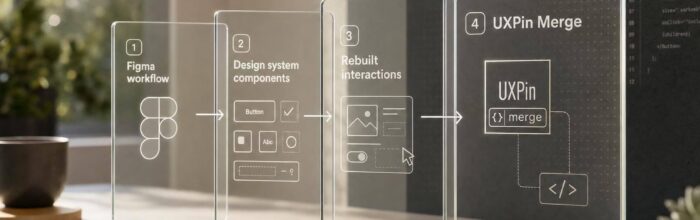
The most significant advantage of code-backed AI generation is what happens after the design is created. Because Forge builds with real React components, the output is exportable as production-ready JSX.
This eliminates the traditional handoff gap:
- No redlining: Developers don’t need to measure spacing or guess which components to use — the design already uses their components.
- No interpretation: What the designer sees in UXPin is exactly what renders in the browser.
- No rebuilding: Engineers can export the JSX and integrate it directly into their codebase.
Enterprise teams using UXPin Merge report up to a 50% reduction in engineering time for design implementation. When you combine Merge with Forge’s AI generation, teams achieve up to 8.6x faster design-to-prototype cycles.
Supported Component Libraries
UXPin’s AI generation works with the most widely adopted React component libraries:
- MUI (Material UI) — The most popular React component library, with full theming support in UXPin.
- shadcn/ui — The fast-growing, copy-paste component library built on Radix and Tailwind.
- Ant Design — Enterprise-grade React UI framework used widely in data-heavy applications.
- React-Bootstrap — Bootstrap components rebuilt for React.
- Custom libraries — Bring your own React components via Git integration or the Merge CLI tool.
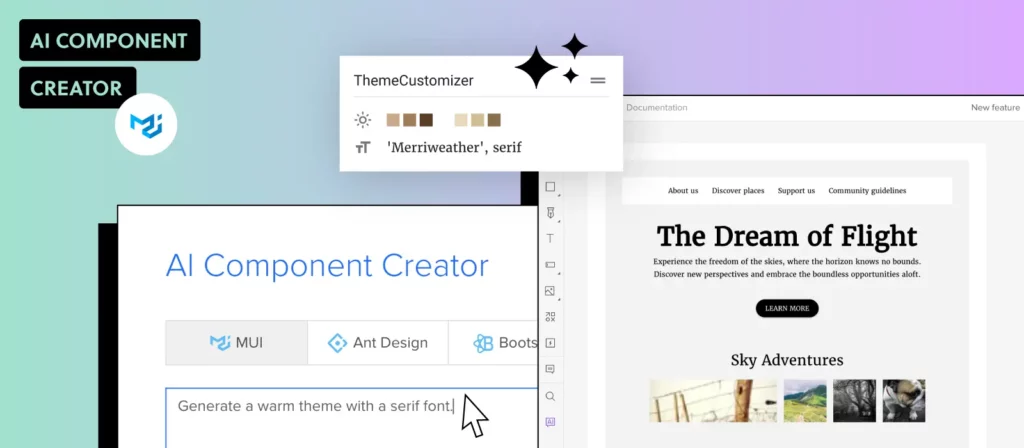
MUI components generated through Forge support full theming — your custom MUI theme is applied automatically, ensuring AI-generated layouts match your brand without manual style adjustments.
Practical Use Cases for AI UI Generation
Here are the most common scenarios where AI-powered UI generation delivers immediate value:
Rapid Prototyping
Go from a product requirement or user story to an interactive prototype in minutes. Describe the interface, let Forge generate it with your components, then refine the details manually. This is especially valuable for user testing — you can test concepts before committing to full development.
Design Exploration
Generate multiple layout variations quickly to compare approaches. Instead of spending hours building three different dashboard layouts, prompt Forge three times and evaluate the results side by side.
Legacy UI Modernization
Upload screenshots of legacy interfaces and let Forge recreate them using your current design system. This accelerates redesign projects and ensures the new version uses production-ready components from the start.
Stakeholder Communication
When a product manager describes a new feature in a meeting, you can generate a working prototype during the conversation. No more “I’ll have mockups ready next week” — the interface takes shape in real time.
Scaling Design Output
For enterprise teams managing large product portfolios, AI generation lets a small design team cover more ground. PayPal’s 5-person UX team supports 60+ products and 1,000+ developers using this approach with UXPin Merge.
How to Get Started
Getting started with AI-powered UI generation in UXPin takes just a few steps:
- Sign up for UXPin at uxpin.com/sign-up — free trials are available.
- Connect your component library via Merge. Choose from built-in libraries (MUI, shadcn/ui, Ant Design, Bootstrap) or sync your own via Git integration.
- Open Forge in the editor and start generating — type a prompt, upload an image, or paste a URL.
- Iterate conversationally to refine the generated layout.
- Export JSX when you’re ready to hand off to development.
For detailed setup instructions, visit the Forge documentation.
Further Reading
Explore more about AI-powered design and code-backed workflows:
- Introducing Forge: AI Design Tool for React Components
- AI Design Tool for Enterprise Design Systems
- AI Tools for Designers — overview of the current landscape
- Prompt Engineering for Designers — write effective prompts for better results
- Forge Documentation — official setup and usage guides
Frequently Asked Questions
Can AI generate production-ready UI components?
Yes. Tools like UXPin Forge generate UI using real React components from your production design system. The output is exportable as production-ready JSX — not static mockups or generic code. This means the generated UI uses the same components your developers already ship.
What is the difference between UXPin Forge and generic AI design tools?
Generic AI design tools generate pixel-based layouts or generic HTML/CSS. UXPin Forge generates designs constrained to your actual component library — MUI, shadcn/ui, Ant Design, or your custom React components. The output is production-ready JSX, not a screenshot that needs to be rebuilt.
What input methods does UXPin Forge support?
Forge accepts three input methods: text prompts (describe what you want), image upload (upload a screenshot or mockup), and URL-to-UI (paste a URL and Forge recreates the layout using your components). All three methods generate output from your production component library.
Which component libraries work with UXPin for AI generation?
UXPin supports MUI (Material UI), shadcn/ui, Ant Design, React-Bootstrap, and any custom React component library connected via Merge. Teams can bring their own components through Git integration or the Merge CLI tool.
How does AI UI generation fit into enterprise design systems?
UXPin’s Design System Guidelines feature constrains all AI output to follow your brand rules — permitted components, approved color tokens, spacing standards, and content guidelines. This ensures that AI-generated UI stays on-brand, even when used by non-designers across the organization.
Can I edit AI-generated UI after it’s created?
Yes. UXPin Forge supports conversational AI iteration — you can ask Forge to modify specific parts of the generated layout without regenerating from scratch. You can also manually edit any component in UXPin’s design editor, combining AI speed with professional design precision.
Generate Production-Ready UI Today
AI UI generation has moved beyond the experimental stage. With UXPin Forge, you can go from idea to production-ready, code-backed interface in minutes — using the same components your developers already work with. No handoff gap. No pixel-to-code translation. Just the fastest path from concept to shipped product.
Try UXPin for free and start generating UI with AI from your own component library.

by UXPin on
UXPin is a web-based design collaboration tool. We’re pleased to share our knowledge here.