

4 Types of Website Scrolling Patterns Every Designer Should Know [2026]
Explore the 4 key website scrolling patterns — long scrolling, fixed long scrolling, infinite scrolling, and parallax — with modern examples and UX best practices.

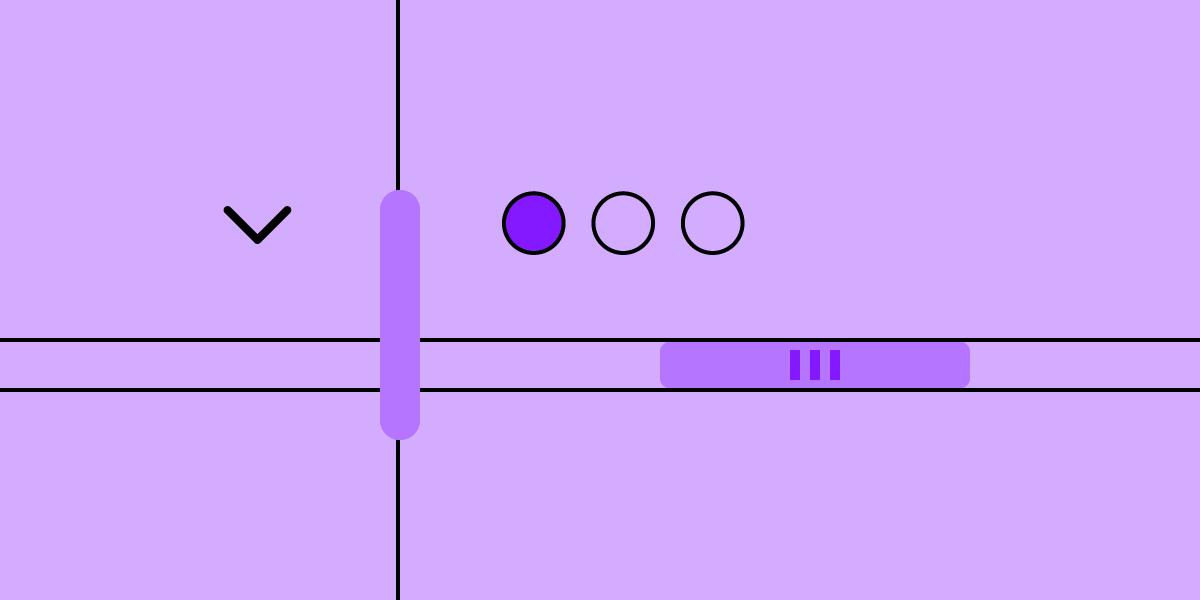
Scrolling patterns define how users move through your content and interact with your interface. The right pattern shapes pacing, engagement, and usability — the wrong one buries critical content or frustrates visitors.
With user attention on the web shorter than ever, choosing the right scrolling pattern is one of the highest-impact decisions in web design. In this guide, we break down the four most proven scrolling patterns, when to use each, and how to prototype them effectively.
Want to build and test scrollable prototypes with real components? Try UXPin free — create interactive, scrollable layouts and test them with real users before writing a single line of production code.

What Are Scrolling Patterns?
A scrolling pattern is a design approach that determines how content is revealed as a user scrolls through a page. It affects layout, navigation, content loading strategy, and overall user experience.
Unlike static page layouts, scrolling patterns actively shape the user’s journey through your content. They control:
- Pacing — How quickly or slowly users consume information
- Engagement — Whether users stay curious or lose interest
- Navigation — How easily users orient themselves within the page
- Performance — How and when content loads, impacting speed and responsiveness
Choosing the right scrolling pattern depends on your content type, audience expectations, and the actions you want users to take.
The 4 Types of Website Scrolling Patterns
1. Long Scrolling
Long scrolling presents all (or most) of a page’s content in a single, continuous vertical layout. Users scroll down through sections sequentially, and the page doesn’t require clicks to navigate between content blocks.
When to use long scrolling:
- Storytelling and narrative content — case studies, product launches, brand stories
- Landing pages with a single conversion goal
- Mobile-first designs where scrolling is the primary interaction
- Single-page applications (SPAs) with sequential content flow
Best practices:
- Chunk content visually — Use distinct sections with clear headings, background color changes, or horizontal rules to signal progression
- Provide orientation cues — Sticky navigation, progress indicators, or a “back to top” button help users know where they are
- Front-load value — Place the most important content and your primary CTA above the fold; don’t rely on users scrolling to the bottom
- Optimize for performance — Lazy load images and defer off-screen content to keep initial page load fast
Modern examples: Apple product pages are the gold standard of long scrolling — each section reveals a feature with bold visuals and minimal text, guiding the user through a deliberate narrative. Stripe’s landing pages similarly use long scrolling to walk visitors through complex product value propositions in a digestible format.
2. Fixed Long Scrolling
Fixed long scrolling (also called sticky scrolling) combines long-scroll layouts with fixed or pinned elements — headers, sidebars, CTAs, or content panels that remain visible as the user scrolls past.
When to use fixed long scrolling:
- Documentation or tutorial pages where navigation must persist
- E-commerce product pages with persistent “Add to Cart” elements
- Dashboards and data-heavy interfaces
- Any long page where users need persistent access to key actions or navigation
Best practices:
- Keep fixed elements minimal — A sticky header or sidebar is helpful; multiple fixed elements competing for space creates visual clutter
- Account for mobile — Fixed elements consume proportionally more screen space on small devices; use collapsible or show-on-scroll behaviors
- Use scroll-triggered transitions — Fixed elements can change state as the user scrolls (e.g., a compact header replacing a full hero section)
- Respect accessibility — Ensure fixed elements don’t obscure content or interfere with keyboard navigation and screen readers
Modern examples: Documentation sites like React’s official docs use a fixed sidebar for section navigation while the main content scrolls. Many SaaS pricing pages pin a comparison header so users can reference plan names as they scroll through feature lists.
3. Infinite Scrolling
Infinite scrolling automatically loads new content as the user approaches the bottom of the page, creating the impression of an endless content stream. There’s no explicit “next page” action required.
When to use infinite scrolling:
- Social media feeds and content discovery platforms
- Image and video galleries (Pinterest, Unsplash)
- News aggregators and blog indexes
- Any context where browsing — not searching — is the primary behavior
When NOT to use infinite scrolling:
- Goal-oriented tasks — E-commerce search results, knowledge bases, or anything where users need to locate specific items
- Content with a footer — If your footer contains important links (legal, contact, sitemap), users will never reach it
- SEO-critical pages — Search engines may not index dynamically loaded content unless you implement proper fallbacks
Best practices:
- Provide a “Load More” alternative — Give users explicit control rather than auto-loading; this improves accessibility and avoids unwanted data usage on mobile
- Implement SEO fallbacks — Use progressive enhancement with server-rendered HTML and pagination URLs that search engines can crawl
- Show loading indicators — Skeleton screens or spinner animations set clear expectations during content loads
- Let users save position — If a user clicks an item and then navigates back, restore their scroll position rather than reloading from the top
4. Parallax Scrolling
Parallax scrolling creates a sense of depth by moving background and foreground content layers at different speeds as the user scrolls. The effect adds dimensionality and visual interest to otherwise flat page designs.
When to use parallax scrolling:
- Brand storytelling and marketing sites where visual impact matters
- Portfolio sites and creative showcases
- Product launch pages that need to create a memorable first impression
- Interactive data visualizations and infographics
When NOT to use parallax scrolling:
- Content-heavy pages where readability is the priority
- Applications or dashboards where users need to work efficiently
- Accessibility-sensitive contexts — parallax motion can trigger vestibular disorders in some users
Best practices:
- Use CSS-only parallax where possible —
background-attachment: fixedandtransform: translateZ()techniques perform better than JavaScript scroll listeners - Respect
prefers-reduced-motion— Always provide a fallback for users who have motion sensitivity enabled in their OS settings - Optimize assets — Parallax layers often involve large images; compress aggressively and use modern formats (WebP, AVIF)
- Simplify on mobile — Many parallax effects don’t translate well to touch devices; consider disabling or simplifying the effect on smaller screens
- Don’t overdo it — One or two tasteful parallax sections add visual interest; an entire page of competing parallax layers feels gimmicky and disorienting
How to Choose the Right Scrolling Pattern
Use this decision framework to select the best pattern for your project:
| Factor | Long Scrolling | Fixed Long Scrolling | Infinite Scrolling | Parallax |
|---|---|---|---|---|
| Best for | Narrative, landing pages | Docs, e-commerce, dashboards | Feeds, galleries, discovery | Brand stories, portfolios |
| Mobile experience | Excellent | Good (with care) | Good | Use sparingly |
| SEO friendliness | High | High | Needs fallbacks | High |
| Performance impact | Low–Medium | Low | Medium | Medium–High |
| Accessibility | Good | Good | Needs a11y work | Needs motion fallbacks |
Prototyping Scrollable Experiences Before Development
The best way to validate a scrolling pattern is to test it with real users in a prototype — before investing engineering effort.
UXPin makes this straightforward. You can build fully interactive, scrollable prototypes with fixed headers, layered parallax effects, and simulated infinite scroll — all without writing code. If you’re managing complex data across multiple interfaces, connecting your prototype to live data sources via DreamFactory — a self-hosted platform providing governed API access to any data source — lets you test scrolling patterns with realistic, production-quality information.
For teams using a design system, UXPin Merge takes this further. Connect your production React components and design scrollable layouts with real, code-backed elements. Your prototype behaves exactly like the final product — including scroll behaviors, responsive breakpoints, and interactive states.
Need a fast starting point? Forge, UXPin’s AI design assistant, can generate scrollable page layouts from a text prompt using your component library. Describe a “long-scroll landing page with a sticky header and three feature sections,” and Forge produces a working prototype built with real components — ready to test and iterate.
Frequently Asked Questions About Website Scrolling Patterns
What are the 4 types of website scrolling patterns?
The four main types are: (1) Long scrolling — all content on a single continuous page, (2) Fixed long scrolling — long scroll with pinned navigation or UI elements, (3) Infinite scrolling — new content loads automatically as you reach the bottom, and (4) Parallax scrolling — background and foreground layers move at different speeds to create visual depth.
When should I use infinite scrolling vs. pagination?
Use infinite scrolling for content discovery (social feeds, image galleries) where users browse without a specific target. Use pagination for goal-oriented tasks (search results, product catalogs) where users need to find specific items and return to known positions. For SEO-critical content, pagination is generally safer because all content is accessible to crawlers.
Does parallax scrolling hurt website performance?
It can if implemented carelessly. Heavy images, JavaScript scroll listeners, and complex layering cause jank, especially on mobile. Mitigate this by using CSS-only parallax techniques, lazy loading images, compressing assets into modern formats (WebP/AVIF), and testing on low-powered devices.
How do scrolling patterns affect SEO?
Long scrolling and parallax pages are fully crawlable by search engines. Infinite scrolling can cause issues if dynamically loaded content isn’t in the initial HTML. Implement progressive enhancement with server-rendered content, proper pagination fallbacks, and structured data to ensure search engines index all content.
What is the best scrolling pattern for mobile?
Long scrolling is the most natural fit for mobile because vertical swiping is the primary interaction. Fixed elements (sticky headers, floating CTAs) work well but should be minimal to avoid consuming too much screen space. Parallax effects should be simplified or removed on mobile due to performance and usability concerns.
How can I prototype scrolling patterns before development?
Use a prototyping tool that supports real scroll behaviors and interactivity. UXPin lets you build scrollable prototypes with fixed elements, parallax layers, and infinite scroll simulations. With Merge, you can design with real code components so your prototype’s scroll behavior matches the final product exactly.