


Google Gemini UX Redesign: 5 Lessons for AI Interface Design (2026)
Analyze Google Gemini's UX 2.0 redesign, its native macOS app, and multimodal input strategy. Learn five practical AI interface design lessons you can apply today — plus how to prototype AI products faster with code-backed components.
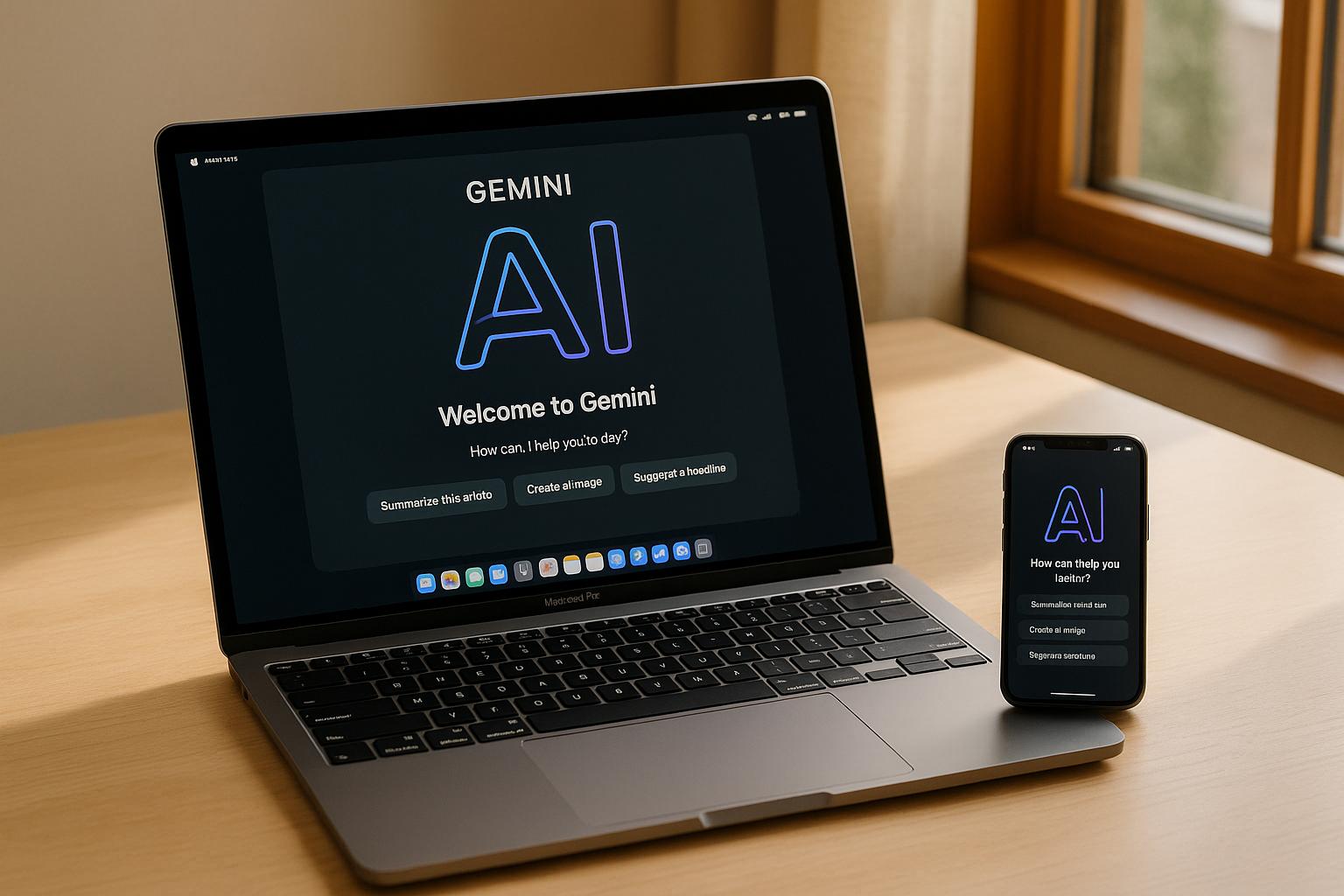
Google’s decision to overhaul the Gemini AI platform was one of the most closely watched UX stories of the year — and for good reason. The redesign, referred to internally as “Gemini App UX 2.0,” tackled fundamental usability problems that had frustrated power users and casual adopters alike. Alongside the visual refresh, Google shipped a native macOS app and a mobile developer tool for Google AI Studio.
For product designers and UX teams, the Gemini overhaul is more than industry news. It’s a case study in how even the most capable AI can fail if the interface doesn’t keep up. Below, we break down what changed, why it matters, and five concrete lessons you can apply to your own AI-powered products.
What Changed in Gemini’s UX 2.0 Redesign
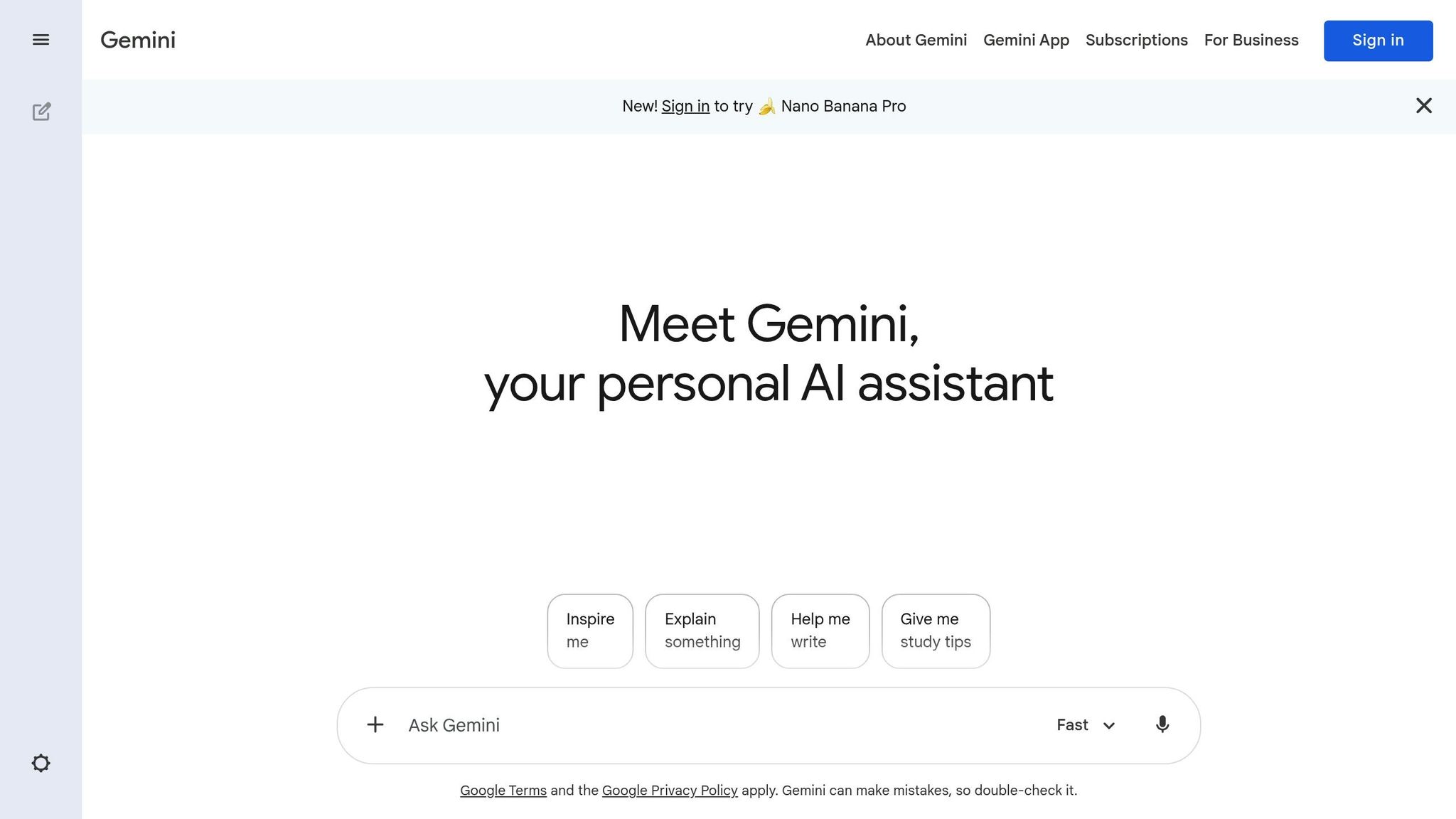
The previous Gemini interface worked, but it buried powerful features behind layers of menus. Users had to already know where to look — a critical flaw when onboarding millions of new AI adopters.
The UX 2.0 redesign addresses three priorities:
- Feature discoverability: Capabilities like image generation, document analysis, and code assistance are surfaced contextually rather than hidden in settings panels.
- Simplified daily workflows: Common tasks (summarizing documents, drafting emails, answering questions) are accessible within one or two interactions.
- Multimodal input: Text prompts, image uploads, voice commands, and file attachments are treated as equally important input methods — an approach that mirrors how modern design tools like UXPin Forge accept text prompts, image uploads, and URL-to-UI conversion as input.
Logan Kilpatrick, lead product manager for Google AI Studio and the Gemini API, confirmed that Google invested significant resources in user research before the redesign — signaling a shift from feature velocity to usability maturity.
Native macOS App: Closing the Desktop Gap
One of the most impactful changes was the launch of a dedicated Gemini app for macOS. Until this point, desktop users had to rely on the browser, which created friction for tasks like multi-file uploads, local system integration, and persistent conversations.
The native macOS app solves these issues directly:
- Local file access: Drag-and-drop files from Finder directly into Gemini conversations.
- System-level integration: Quick-access keyboard shortcuts, notifications, and clipboard integration.
- Persistent sessions: Conversations persist across launches without the tab-management headaches of the browser version.
This matters because agentic AI capabilities — where the model takes multi-step actions on behalf of the user — require deeper integration with the user’s local environment. It also mirrors a broader trend in design tooling: the shift toward native-feeling experiences that reduce context-switching.
Google AI Studio Mobile App for Developers

Google also released a mobile companion for Google AI Studio, tentatively called “Build Anything.” Available on both iPhone and Android, the app lets developers test Gemini API prompts, review outputs, and iterate on AI workflows from their phones.
For product teams building AI features, this underscores a broader trend: AI development is becoming a multi-device activity. Designers need to plan for workflows that start on desktop and continue on mobile — and vice versa. Consistent design systems and shared component libraries are the foundation for this kind of cross-platform consistency.
5 UX Lessons from Gemini’s Redesign
Whether you’re building an AI chatbot, a data analytics dashboard, or any product with generative AI features, the Gemini redesign offers concrete takeaways:
1. Discoverability Beats Feature Count
Gemini had the features — users just couldn’t find them. If your product relies on powerful but hidden capabilities, you’re leaving value on the table. Surface key actions contextually, not just in menus. Audit your product for “hidden power features” that users don’t know exist.
2. Design for Multimodal Input from Day One
Users expect to interact with AI through text, images, voice, and file uploads. Designing for only one input mode limits adoption. Plan your user interface to accommodate multiple input types from the start. This is exactly the approach UXPin Forge takes, accepting text prompts, image uploads, and URL-to-UI conversion to generate designs from your own component library.
3. Cross-Platform Consistency Is Non-Negotiable
The Gemini experience varied wildly between browser, Android, and iOS before the redesign. A shared component library and design system prevents these inconsistencies — especially critical when teams scale across platforms. Enterprise teams like PayPal use UXPin Merge to ensure a 5-person UX team can maintain consistency across 60+ products.
4. Conversational AI Needs Conversational UX
AI interactions are iterative by nature. Users refine, redirect, and build on previous outputs. The UX must support in-context editing and modification rather than forcing users to restart from scratch. UXPin Forge applies this same principle — its conversational AI iteration modifies designs in place without regenerating from scratch.
5. The Interface Is the Differentiator, Not the Model
Google’s Gemini has arguably the most capable foundation model on the market. But capability without usability meant users still preferred simpler competitors. The lesson is clear: your AI’s value is only as good as the interface delivering it. Invest as heavily in UX as you do in the underlying model.
How to Prototype AI Interfaces Effectively
Prototyping AI-powered interfaces introduces challenges that static mockups can’t address. You need to simulate dynamic content, conditional flows, multi-state components, and real-time feedback loops.
UXPin provides the advanced prototyping features required for AI interface design:
- States: Simulate loading, streaming, error, and success states for AI responses within a single component.
- Variables: Capture user input and dynamically display it elsewhere in the prototype — essential for simulating personalized AI outputs.
- Conditional Interactions: Create branching flows based on user actions, replicating how an AI assistant might respond differently to different prompts.
- Expressions: Add computational logic without writing code, useful for simulating AI confidence scores, dynamic summaries, and content generation.
For teams working with established design systems, UXPin Forge accelerates this process dramatically. Forge generates UI layouts using your actual production React components. Instead of mocking up pixels that engineers then have to rebuild, Forge outputs production-ready JSX constrained to your component library — closing the gap between prototype and production. Teams using Forge with Merge report up to 8.6x faster design-to-prototype cycles.
Frequently Asked Questions
What changed in Google Gemini’s UX redesign?
Gemini’s UX 2.0 overhaul introduced a cleaner layout, contextual feature surfacing, a native macOS desktop app, and a mobile Google AI Studio app for developers. The redesign focused on discoverability, multimodal input, and cross-platform consistency.
Why did Google redesign the Gemini app?
Users reported that powerful features were buried behind menus and that the interface lagged behind competitors in ease of use. Google invested in extensive user research before committing to a full UX overhaul that prioritized feature discoverability and workflow integration.
Does Google Gemini have a macOS desktop app?
Yes. Google released a native macOS app for Gemini that provides drag-and-drop file access from Finder sidebar, system-level keyboard shortcuts, clipboard integration, and persistent conversation sessions — advantages the browser version could not offer.
What UX lessons can designers learn from Gemini’s redesign?
Five key lessons: (1) prioritize feature discoverability over feature count, (2) design for multimodal input from day one, (3) ensure cross-platform consistency with a shared component library, (4) support conversational, in-context AI editing, and (5) treat the interface as the product differentiator, not the AI model alone.
How can I prototype AI interfaces like Gemini’s?
UXPin provides states, variables, conditional interactions, and expressions that let you simulate AI conversation flows, loading states, and dynamic content. UXPin Forge goes further by generating complete UI layouts from your production React components, outputting production-ready JSX.
What is UXPin Forge and how does it help with AI interface prototyping?
Forge is UXPin’s AI design assistant. It generates, edits, and iterates on designs using real React components from your production codebase — not generic pixels. Output is exportable as production-ready JSX, eliminating the handoff gap between design and engineering. Learn more in the Forge documentation.
What This Means for AI Product Teams
Google’s Gemini overhaul confirms what many UX practitioners have been saying: raw AI capability is no longer the differentiator — the interface is. Users don’t care about parameter counts or benchmark scores. They care about whether the tool fits naturally into their workflow.
For design teams building AI-powered products, the message is clear: invest in prototyping that can simulate the dynamic, multi-state, conversational nature of AI interactions. Static mockups won’t cut it.
Try UXPin for free to prototype AI interfaces with the interactive fidelity they demand — or explore Forge to generate production-ready layouts from your own component library.