Plan UX with AI and prototype using code-backed components for consistent, accessible interfaces and faster design-to-development handoffs.
How to build UX using Claude Opus 4.5 + shadcn/ui – Use UXPin Merge!

Plan UX with AI and prototype using code-backed components for consistent, accessible interfaces and faster design-to-development handoffs.

Learn what a UI mockup is, how it differs from wireframes and prototypes, the anatomy of a great mockup, best practices for creating them, and how AI and code-backed tools accelerate mockup design.
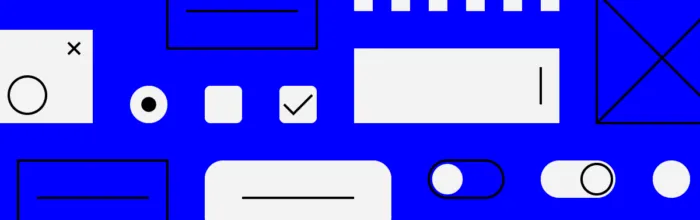
Master every UI element type — input controls, output elements, navigation components, and containers — with practical examples, selection guidelines, and tips for prototyping with production-ready components.
UXPin is a product design platform used by the best designers on the planet. Let your team easily design, collaborate, and present from low-fidelity wireframes to fully-interactive prototypes.
Start your free trial
Learn what design iteration is, why it matters, the 5 stages of the iterative design process, best practices for faster iteration cycles, and how AI tools accelerate design iterations in 2026.
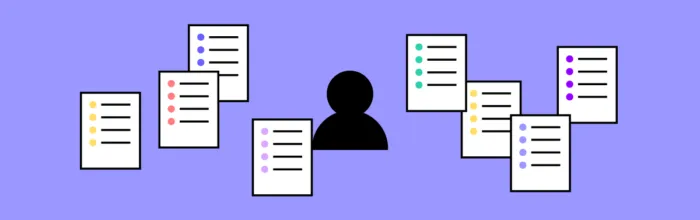
Learn what data-driven design is, how leading companies apply it, the essential data sources and tools you need, and a practical step-by-step framework for making evidence-based design decisions.

Learn how to create AI-generated UX personas using ChatGPT, Claude, and Gemini — with step-by-step prompts, validation techniques, and practical tips for integrating AI personas into your design workflow.
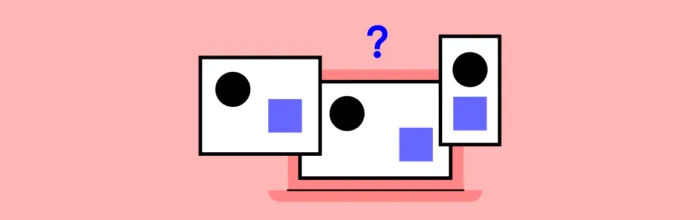
Compare responsive vs adaptive design — learn how each approach works, the key differences, pros and cons, and how to choose the right one for your project in 2026.

Master the basic design elements — lines, shapes, color, typography — and core design principles like contrast, balance, hierarchy, and white space. Practical guide for designers.

npm (Node Package Manager) is the default package manager for JavaScript. Learn what npm is, how it works, essential commands, and how npm powers modern design-development workflows in 2026.

Learn about the 7 types of design constraints — technical, financial, legal, organizational, and more — plus a practical framework for overcoming them and tools that help.
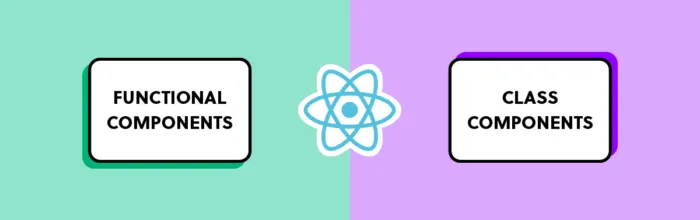
Compare React functional components and class components — key differences, code examples, when to use each, and why functional components with Hooks dominate in 2026.

Learn the 7 essential steps of the UX design process — from research and ideation to prototyping, testing, and developer handoff. Includes AI-accelerated workflows, code-backed prototyping with UXPin Merge, and best practices for shipping better products faster in 2026.
Compare the top 5 prototyping tools in 2026 — UXPin, Figma, Framer, Axure RP, and ProtoPie. Learn which tool offers AI generation, code-backed components, and production-ready output for your design workflow.
A complete guide to Ant Design (AntD) — explore its comprehensive component library, design language, and enterprise benefits. Learn how to prototype with real Ant Design components in UXPin using Merge and AI-powered Forge.
Master alignment in design with this complete guide to horizontal, vertical, and edge alignment. Learn grid techniques, Auto Layout best practices, and how proper alignment improves usability, readability, and visual hierarchy in UI design.